
Legal research in ChatGPT, more accurate with DirectCase
3 clicks and you have legal research in ChatGPT, with source citations and a link to the original document. Anyone can connect it.
The models behind ChatGPT already take a great deal of work off your hands. They can now connect to DirectCase’s verified legal sources, so you have legal research in ChatGPT without switching between tools.
DirectCase Legal Research is an MCP connector that connects ChatGPT to DirectCase’s verified legal sources: case law and legislation, including EU law and the case law of the Court of Justice of the EU and the European Court of Human Rights. Every answer links to the original document. The same sources and the same account as in the app, now in the window you already have open.
DirectCase has passed OpenAI’s review and is now listed directly in ChatGPT; one button adds it.
Why ChatGPT needs legal context
For professional legal work, ChatGPT lacks the sources and the links between them: the full body of case law, who cites whom. It has only what it finds on the web. Without sources behind it, an answer can sound convincing and still rest on case law that has since been overruled, or on the wording of a statute that was not in force on the relevant date.
With DirectCase connected, ChatGPT will usually call DirectCase on its own when you ask a legal question and receive material from DirectCase’s verified legal sources: case law and legislation from the jurisdictions DirectCase indexes, including EU law and the case law of the Court of Justice of the EU and the European Court of Human Rights. The connector returns the sources and ChatGPT writes the answer from them, with links to the original wording of the primary sources. In the DirectCase app you can then also check who has cited a decision since, in the citation map.
If you already use ChatGPT, there is no new system to introduce and no further interface to learn.
The MCP connector for legal sources is shared by ChatGPT and Codex, so it also serves larger tasks that do not fit into a single chat. For example, having the other side’s submissions checked before you start reading them, so that they land on your desk with a note on which of the cited decisions still hold and which do not.
Legal research in ChatGPT in three clicks: how to connect DirectCase
Link to the directory entry: DirectCase Legal Research in ChatGPT
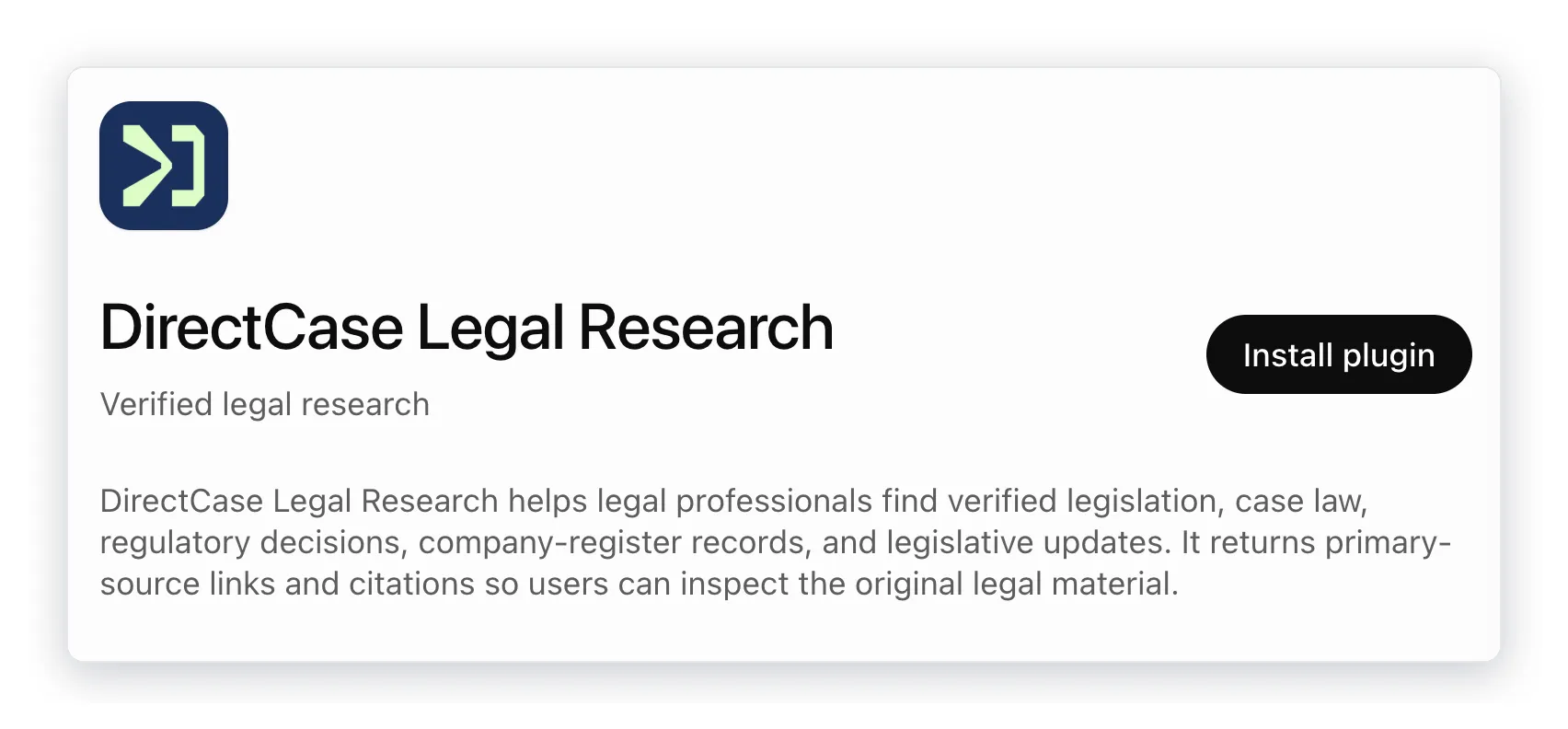
The steps below are copied from the screen. The item names are those of the English interface; if your ChatGPT runs in another language, they may appear translated.
- Open the link, or search for DirectCase Legal Research in the Plugins section of ChatGPT.
- Click Install plugin.
- Sign in with your DirectCase account, the same one as in the app. If you do not have an account yet, create one during sign-in; no payment card is needed.
Once connected, you will see DirectCase Legal Research in the menu under the plus button in the chat.
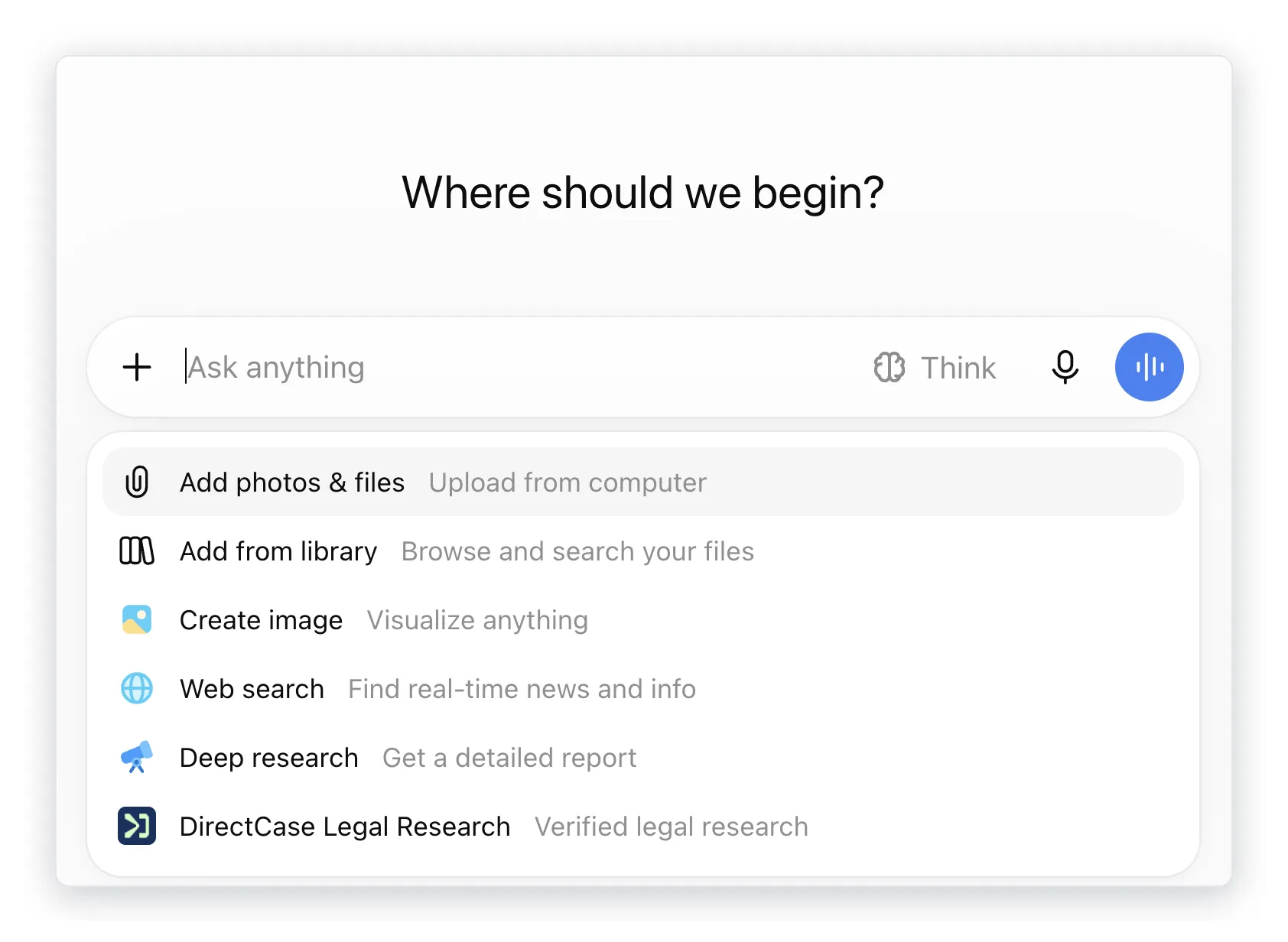
The whole flow, from a blank ChatGPT window to the first answer with sources, is in the video:
The connector is included in the standard DirectCase subscription and costs nothing extra; the ChatGPT subscription itself is a matter between you and OpenAI. The first ten queries are free, so you can try it on one of your own files, and search by case number works with a free account too, within normal usage limits.
Write a guide to using ChatGPT in your own legal practice with one prompt
Once connected, start with this question:
I have connected the DirectCase connector for legal research. How will it help me in my work?
A general guide, this one included, does not know your caseload. ChatGPT with the connector does: it knows the description of every operation DirectCase can perform and, with chat memory on, your earlier questions as well. The answer is therefore geared to your practice, not to the average reader. You can also simply have it list the tools (“What tools does DirectCase have?”), but the question about your own work is more useful.
Your first task might then look like this:
What does the case law of the Court of Justice of the EU say on unfair terms in consumer contracts?
ChatGPT calls the connector and returns the decisions with citations; for every answer you see the source and open the original with one click. If you prefer to start with a smaller step, ask: “Which one task should I try first with DirectCase?”
If chat memory is off, add your caseload to the question, for example: “I mostly handle construction contract disputes for smaller contractors. How will DirectCase help me?” Describe the type of work, not the clients.
Frequently asked questions
I have ChatGPT Team or Business and the connector will not connect. Why?
In company workspaces, an administrator has to allow the app first, in the admin settings under Plugins. Until then, the DirectCase sign-in does not even start and ChatGPT reports that the service is disabled for the workspace.
Does searching legal sources also work in the ChatGPT mobile app?
Yes. Once you have connected the DirectCase connector, you use it on the web and in the mobile app alike.
Does the DirectCase connector also work in Codex?
Yes. The directory is shared by ChatGPT and Codex. In the Codex CLI you can also add the connector directly by its address, https://mcp.directcase.ai, just as in other tools that support the MCP standard. That brings legal sources into the automations you build.
Can I switch off sharing chats with the app?
Yes, in the ChatGPT settings; there you can also disconnect the app at any time, and a temporary chat is enough for a single matter.
Is ChatGPT with DirectCase more accurate than ChatGPT on its own?
For legal questions, yes. On its own, ChatGPT only has access to what is on the web, so it may start from case law that has since been overruled or from the wrong version of a statute. With the connector it answers from DirectCase’s sources, and you can open the original behind every citation.
Is there an MCP server for legal research?
Yes. DirectCase runs an MCP server at https://mcp.directcase.ai with case law and legislation from the jurisdictions DirectCase indexes, including EU law and the case law of the Court of Justice of the EU and the European Court of Human Rights. In ChatGPT you add it from the Plugins directory, in Claude from the connector directory, and in other tools directly by its address.
One legal sources connector for ChatGPT, Claude and Copilot Studio
One and the same connector connects to ChatGPT, Claude and Microsoft Copilot Studio. The steps for each of these environments, and the current list of sources, are on the connector page.
The ranking of AI models has been reshuffled more than once over the past year. The sources an answer draws on stay the same, whether you ask in ChatGPT, in Claude or in Copilot Studio.