
Checking citations in court submissions automatically, every time
A citation check verifies that cited provisions and decisions exist, apply at the relevant date and support the other side’s argument. With DirectCase it runs in Claude, ChatGPT or Microsoft Copilot before you read. You get source links and possible conflicts; you judge how apt the argument is.
When a submission from the other side arrives, you have only a few hours to assess it. The argument rests on statutes and several judgments, and you do not know all of them. As you read, you check what the sources relied on by the other side actually say and whether the legislation or the case law has changed in the meantime. That alone can take several hours, which you often do not have, because you are also dealing with other clients, emails piling up and approaching deadlines.
So we recommend a simple rule: run a check every time a submission from the other side arrives. With DirectCase connected and a saved instruction (a prompt), it runs automatically before you start reading.
If you are still unsure whether to check submissions by hand or with AI and DirectCase connected, you do not have to choose between the two. The AI can prepare an initial overview, and you open the sources the dispute really turns on. If you have been cautious about AI in legal practice so far, a citation check could be a good first way to bring AI into your workflow. There is little to lose and a lot to gain.
Why check citations with DirectCase?
When you first open a submission from the other side, it is full of new information. With DirectCase connected, the AI can take over part of the routine work before you first read it. It prepares case-law research on the cited decisions and provisions, checks that they exist and are current, adds links to the sources and compares what they say with what the other side infers from them.
The result is a basic overview of the sources used, which you can keep next to the submission itself when you first read it. You know in advance which citations match the other side’s argument, where the check found a possible inconsistency and which passages deserve closer attention.
The difference from using AI on its own lies mainly in the sources. With DirectCase connected, the AI works through contextual search across more than 400,000 verified legal sources. Thanks to the link provided, you can open every decision or provision and verify the conclusion of the check.
The check makes it easier to find your way around the submission at the start and points out the passages worth examining. Whether a cited conclusion also applies to the facts of your case, and what weight it carries for your further argument, remains for you to decide.
How to run the citation check
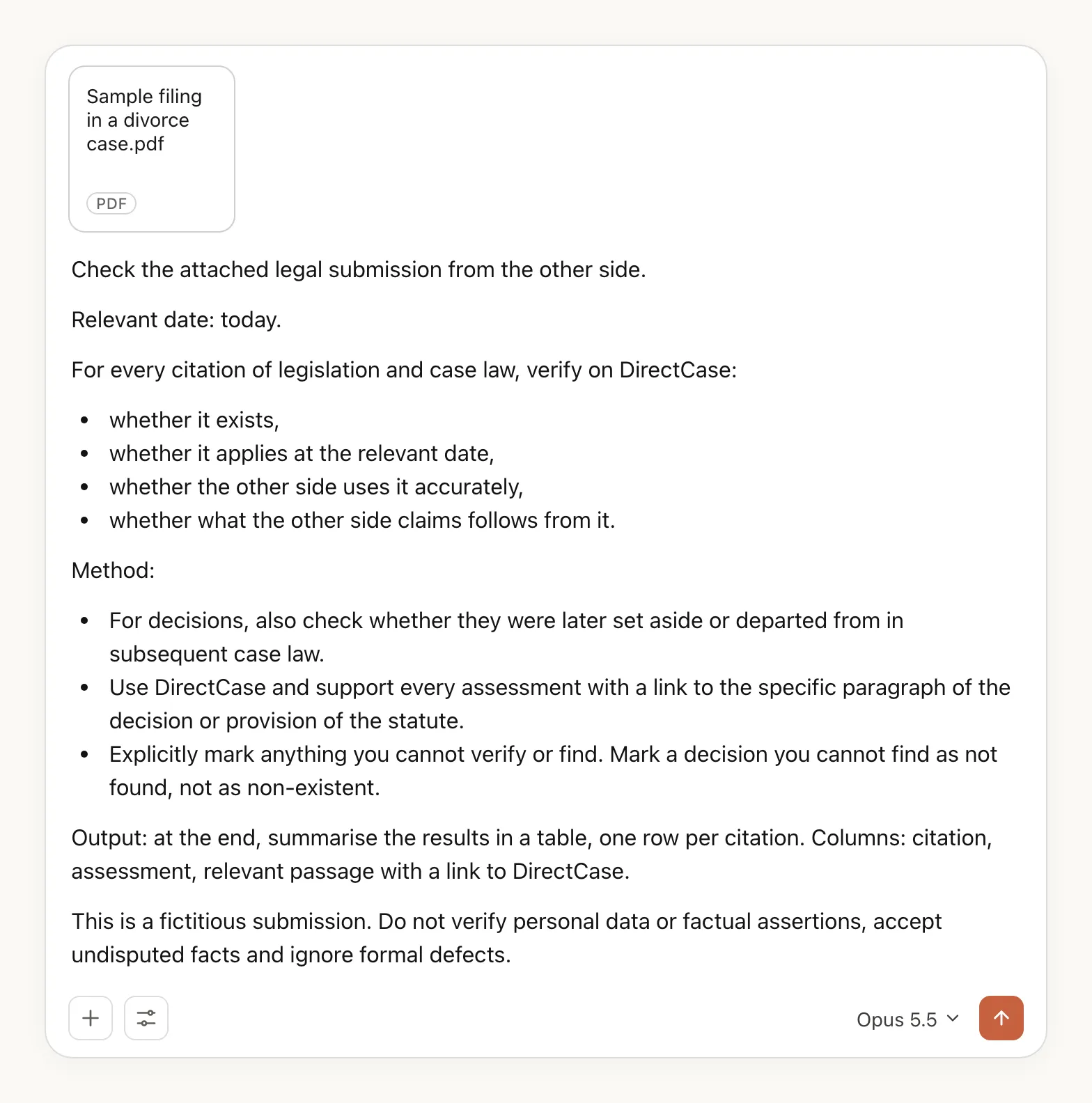
First connect the DirectCase legal sources connector in Claude, ChatGPT or Microsoft Copilot. The same page explains how to connect it to each AI. Once it is connected, all you need to do is attach the submission file to the chat and add a prompt worded like this:
Check the attached legal submission from the other side.
Relevant date: today.
For every citation of legislation and case law, verify on DirectCase:
- whether it exists,
- whether it applies at the relevant date,
- whether the other side uses it accurately,
- whether what the other side claims follows from it.
Method:
- For decisions, also check whether they were later set aside or departed from in subsequent case law.
- Use DirectCase and support every assessment with a link to the specific paragraph of the decision or provision of the statute.
- Explicitly mark anything you cannot verify or find. Mark a decision you cannot find as not found, not as non-existent.
Output: at the end, summarise the results in a table, one row per citation. Columns: citation, assessment, relevant passage with a link to DirectCase.
If the prompt works for you, save it for next time. If your AI lets you create skills, you can turn it into a skill. A skill is a saved instruction with a short description of what it is for. The AI loads it when you need it, so you do not have to paste in or adjust the same instructions every time. You can also store the format of the output in the skill, for example a table assessing each citation. A skill can also be shared, so the check runs the same way for all your colleagues.
If the output of this prompt does not suit you, you can spend a little time rewording it (for example, by asking for the results of the check to be marked up directly in the text of the submission).
The check should produce an overview that goes through the citations in the other side’s submission and gives, for each one, an assessment, the relevant passage and a link to DirectCase. For a statute, you need to know the date for which the wording was verified. For a decision, you need to distinguish between finding it and assessing its content and later developments. If the output is missing for any item, ask for it to be added before you move on to the conclusions of the check.
How to make the check a repeatable routine
The first time, you do not need to change how you work with the whole case file. Upload the submission, paste in the prompt and have the result set out in a table. Open the table next to the submission as you read. Start with the rows where the check found an inconsistency or could not locate a source, then go through the citations it marked as correctly used. For the next submission, you just swap the document and adjust the relevant date.
Do not skip the relevant date. For simplicity, the prompt uses today’s date, but in a real case what matters may be the law as it stood when the contract was concluded, when the claim arose or when the decision under challenge was issued. If the submission is long, you can split the check into parts. You can also first have all the citations listed and then examine in detail only those on which the other side builds its conclusion.
After the first check, adjust the output to the way you actually work. If you are missing the page number of the submission, the paragraph number of the decision or a short explanation of the inconsistency, add that requirement to the prompt. You do not need to come up with new instructions every time. Over time, build a single instruction you can run on every new submission.
Checking citations in court submissions: a test on a sample submission
We decided to try the citation check on a sample submission. It is a fictitious response by a husband to an application for divorce; the spouses are the parents of a minor child. The facts and the parties are fictitious, while the provisions and decisions cited are real. The example comes from Czech practice and is based on Czech law and Czech case law. The check itself, however, can be used in any jurisdiction and any language. You can download the sample submission as a PDF and try the check yourself.
For the sample submission, add this sentence to the instruction:
This is a fictitious submission. Do not verify personal data or factual assertions, accept undisputed facts and ignore formal defects.
For a real submission, set the scope of the check to suit your needs. This addition only serves to keep our test focused on the legal citations.
We deliberately planted three errors in the submission. Two concerned the inaccurate use of case law. In one, the other side applied the court’s conclusions on maintenance for an adult child to a minor child. In the other, it wrongly inferred that a parent who pays preschool fees does not have to pay any further maintenance. The third error was the claim that divorce proceedings and proceedings on arrangements for the minor child cannot be joined into a single set of proceedings.
What did the check find in the sample submission?
We had the sample submission checked in ChatGPT and in Claude, both times with DirectCase connected. Both checks found all three planted errors. The legal sources cited did exist. The errors only came to light when their content was compared with the assertions in the submission and when the surrounding provisions or the relevant paragraphs of the decisions were read.
The example comes from Czech law, but the check and the method work in exactly the same way under Irish law, only with different statutory details.
Joining the proceedings. The submission cited s. 755, subs. 3 of the Czech Civil Code and claimed that the divorce and the arrangements for the child cannot be heard together. The check found s. 398a, subs. 1 of the Czech Act on Special Court Proceedings (Act No. 292/2013 Coll.), which since 1 January 2026 has provided for the two proceedings to be joined under the conditions it lays down. The output thus also included the decisive provision, which the other side did not cite at all.
Preschool fees and maintenance. From the order of the Czech Constitutional Court (Ústavní soud) of 10 May 2022, case number I. ÚS 561/22 (ECLI:CZ:US:2022:1.US.561.22.1), the submission inferred that because the father paid the preschool fees, he paid no further maintenance. Yet according to paragraph 8, he still owed cash maintenance of CZK 3,000 a month on top of the preschool fees. The check flagged exactly the passage that made it possible to verify the other side’s claim.
Payments into the child’s account. The submission based its demand for payments into the minor son’s account on the judgment of the Czech Supreme Court (Nejvyšší soud) of 29 April 2026, case number 24 Cdo 2849/2025 (ECLI:CZ:NS:2026:24.CDO.2849.2025.1). The check compared paragraphs 16 and 17 and pointed out that the court formulated the rule of direct payment, on which the submission relies, for an adult child. So when you read the submission, you know straight away which premise the argument is missing.
The test shows the result of checking one short submission. It does not prove that every further check will catch every error. So always verify the conclusions of the check using the steps below.
How to verify a decision after the first check
Complete the verification of a case-law citation by opening the source for every decisive conclusion. With the link in the result, the source opens in a few seconds. Read the passages that follow as well. Distinguish the court’s own conclusion from its summary of an earlier decision or of a party’s argument. That is exactly what mattered in the preschool fees example.
Check later developments too. To find subsequent decisions, you can use the citation links in the web app. Our article on whether a case is still good law explains the colour coding of these links. The colour shows how later sources treat the decision, not whether the citation in the other side’s submission is correct.
If the check does not find a case number, that does not mean the decision does not exist. It may exist, but the court has not published it. Leave it as an open question and, if it matters, check with the court concerned.
The check compares the assertions with the sources and points out possible inconsistencies. It does not judge how apt the argument is for your particular dispute. You assess factual differences and any analogy yourself, and the same goes for procedural strategy and the final argument.
Every submission: check first, then read
Checking citations is worth making a habit: run an automatic check on every submission from the other side before you first read it. Try the method on the sample submission provided. For the next check, change the file. You then read the citations in the other side’s submission with an overview of the findings and with links to the specific provisions and paragraphs of decisions. The time you used to spend tracking down sources can go into your own argument. If you work with colleagues, share the saved prompt with them so the check runs the same way on every submission in your firm.
To try it today, connect the DirectCase connector in Claude, ChatGPT or Microsoft Copilot, download the sample submission and run the prompt from this article on it. When the next submission from the other side arrives, send it for checking first and only then open it.